
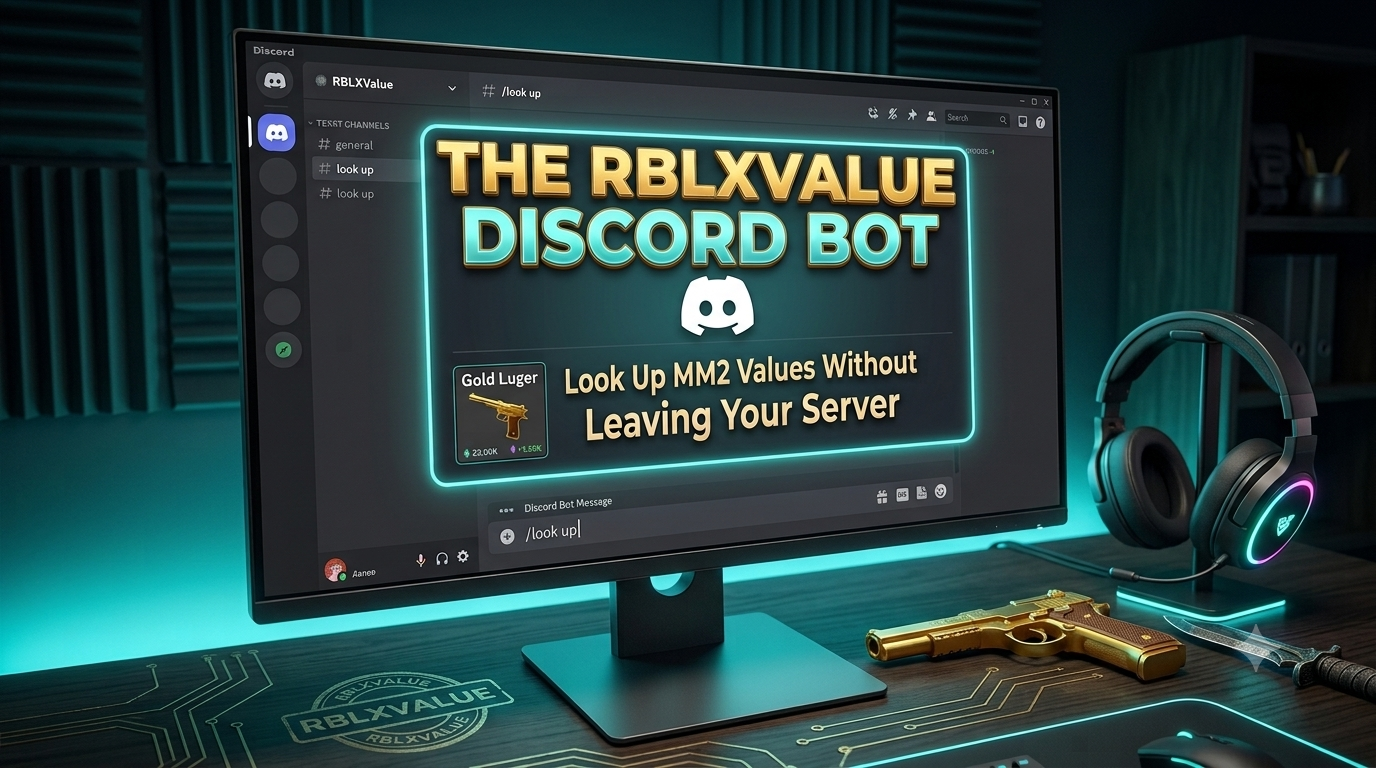
If you trade in Murder Mystery 2, you know how important it is to check item values quickly. Switching between Discord and your browser to look up a value breaks your flow — and in a fast trade, every second counts. That is why we built the RBLXValue Discord Bot.
What Can the Bot Do?
The RBLXValue Discord Bot brings our full MM2 value database directly into Discord. With a few slash commands, you can look up any item, browse sets, and check player profiles without ever leaving your server.
/item
Look up the value of any MM2 item instantly. The bot shows you the estimated value based on both MM2Values and Supreme Values, the demand rating, category, and stability — all in a clean embed. Just type /item seer or /item chroma scythe and the result appears in seconds.
/set
Want to know how much a full MM2 set is worth? Use /set followed by the set name. The bot lists all items in the set along with their individual values and the total combined value. Searching is flexible — you can type /set sweet and the bot will find the Sweet Treat Set automatically.
/profile
The /profile command lets you look up any RBLXValue user by their Roblox username. You can see their inventory value, join date, and highest badge. This command requires a free API key, which any server admin can set up in a few minutes.
/info and /help
Use /info to see live bot statistics including uptime, ping, and the total number of items and sets in the database. Use /help for a full overview of all available commands.
Why Add It to Your Server?
If your Discord server is about MM2 trading, value discussions, or just general Roblox gaming, the RBLXValue Bot adds real utility for your members. Instead of asking "what is this item worth?" in chat and waiting for someone to respond, members can just use /item and get an accurate answer immediately.
The bot uses the same data as RBLXValue.com — a comparison of MM2Values and Supreme Values — so the estimates are balanced and reflect what traders actually accept in trades. Values update every 12 hours to stay current with the market.
The /item and /set commands work for everyone in your server with no setup required. There are no message permissions needed, no complex configuration, and no rate limits for basic lookups.
How to Set Up the Profile Command
The /profile command requires a free API key so we can track usage and prevent abuse. Setting it up takes less than two minutes:
- Go to rblxvalue.com/bot and log in with your Roblox account
- Link your Discord account on the bot dashboard
- Create a free API key and copy it
- In your Discord server, run
/botconfig apikey your-key-hereas a server admin
That is it. The profile command will now work for everyone in your server. You can also disable it at any time with /botconfig profile off.
Add the Bot to Your Server
The bot is free to add and works in any Discord server. Click one of the buttons below to invite it or find it on Top.gg.