
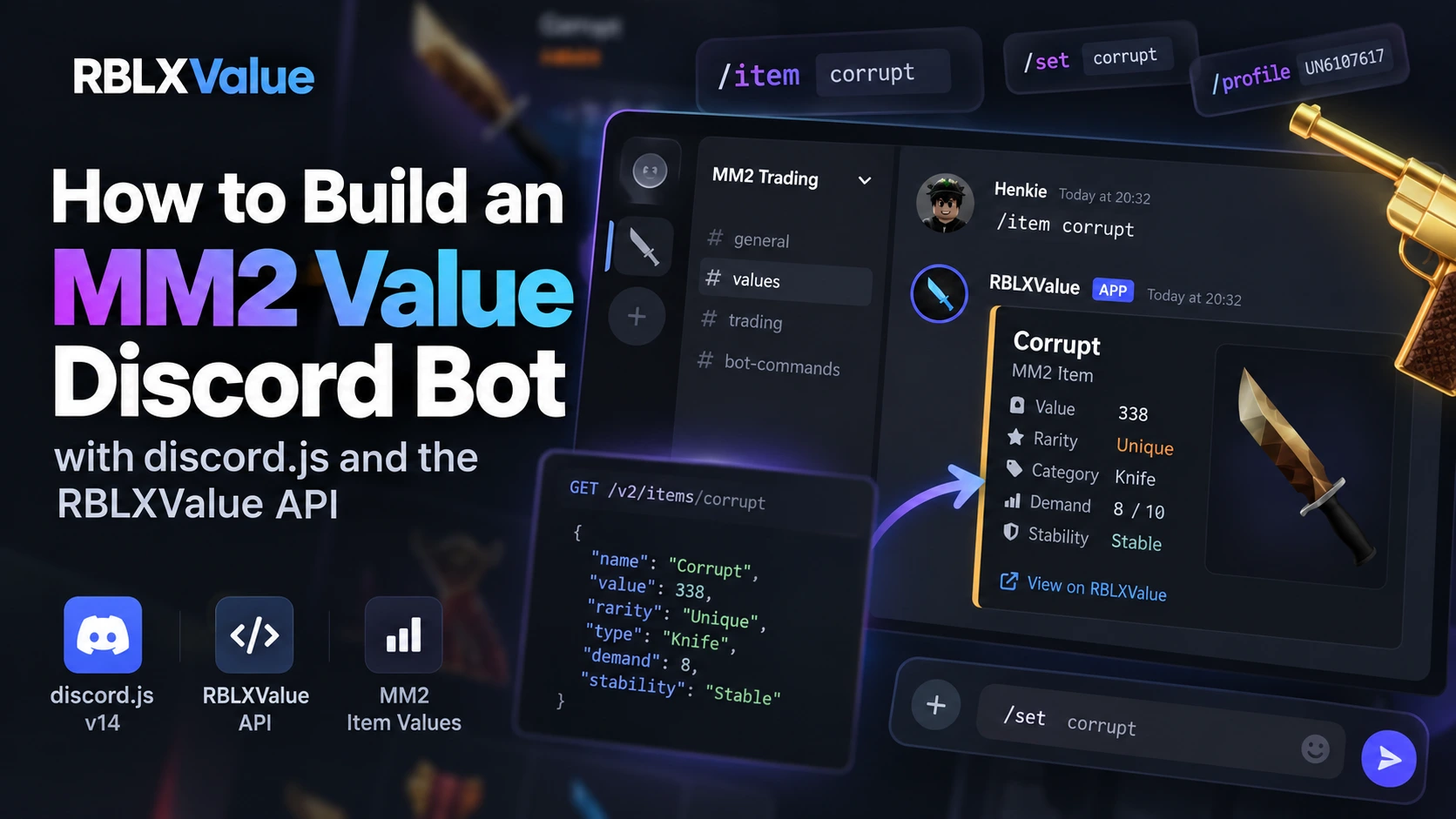
This guide builds a complete Murder Mystery 2 (MM2) value Discord bot in JavaScript with discord.js v14. Users search items with autocomplete and get an embed with the value, rarity, demand, stability and the value change over the last 7 days, using the RBLXValue API v2 as the data source.
Short answer:
- Data source:
https://api.rblxvalue.com/v2with theX-Api-Keyheader. Free key at rblxvalue.com/developer.GET /v2/items/{{slug}}for one item (slug or acronym),GET /v2/items?search=…for search and autocomplete,GET /v2/history/{{slug}}for recent changes.- Node.js 18+ (built-in
fetch), discord.js v14, one file, no database.
What the bot does
/value item:Corruptwith autocomplete: value, MM2Values and Supreme Values values, demand, rarity, stability, image and 7-day change./search query:seer: up to 10 matching items with their value.- Acronyms (
CORR), decimals (26.5), 10-minute cache and 429 handling.
Step 1: Discord application and API key
- Create an application in the Discord Developer Portal, copy the bot token, and invite the bot with the scopes
bot+applications.commands(permissions: Send Messages, Embed Links). - Create a free key at rblxvalue.com/developer (log in with Roblox, link Discord, confirm the email).
Step 2: Install
mkdir mm2-value-bot
cd mm2-value-bot
npm init -y
npm install discord.js
# macOS/Linux
export DISCORD_TOKEN="your-bot-token"
export RBLXVALUE_API_KEY="rbx_your_key"
# Windows PowerShell
$env:DISCORD_TOKEN="your-bot-token"
$env:RBLXVALUE_API_KEY="rbx_your_key"Step 3: The complete bot (bot.js)
// MM2 value Discord bot (discord.js v14 + RBLXValue API v2). Node.js 18+.
// Commands: /value item:<name>  and  /search query:<text>
// Environment variables: DISCORD_TOKEN, RBLXVALUE_API_KEY
const { Client, GatewayIntentBits, SlashCommandBuilder, EmbedBuilder, Events } = require('discord.js');

const API_BASE = 'https://api.rblxvalue.com/v2';
const API_KEY = process.env.RBLXVALUE_API_KEY;
const CACHE_MS = 10 * 60 * 1000; // values refresh about every 12 hours
const cache = new Map();

async function api(path, params = {}) {
  const url = new URL(API_BASE + path);
  for (const [k, v] of Object.entries(params)) url.searchParams.set(k, v);
  const hit = cache.get(url.href);
  if (hit && Date.now() - hit.at < CACHE_MS) return hit.data;

  for (let attempt = 0; attempt < 2; attempt++) {
    const res = await fetch(url, { headers: { 'X-Api-Key': API_KEY }, signal: AbortSignal.timeout(10_000) });
    if (res.status === 429 && attempt === 0) {
      const wait = Math.min(Number(res.headers.get('Retry-After') || 5), 10);
      await new Promise(r => setTimeout(r, wait * 1000));
      continue;
    }
    if (res.status === 404) { cache.set(url.href, { at: Date.now(), data: null }); return null; }
    if (!res.ok) throw new Error(`RBLXValue API ${res.status}`); // 401/403: check your key
    const data = await res.json();
    cache.set(url.href, { at: Date.now(), data });
    return data;
  }
  return null;
}

const searchItems = async (q, limit = 10) => (await api('/items', { search: q, limit }))?.items ?? [];

// Slug or acronym, case-insensitive ("corrupt", "CORR"); falls back to search.
async function getItem(name) {
  const slug = name.trim().toLowerCase().replace(/\s+/g, '-').replace(/'/g, '');
  let data = await api(`/items/${encodeURIComponent(slug)}`);
  if (!data) {
    const [first] = await searchItems(name, 1);
    if (!first) return null;
    data = await api(`/items/${first.slug}`);
  }
  return data?.item ?? null;
}

// [old, new] MM2Values value over the last 7 days (history is sorted oldest first).
async function change7d(slug) {
  const points = (await api(`/history/${slug}`, { period: '1Y', source: 'mm2values' }))?.history ?? [];
  if (points.length < 2) return null;
  const cutoff = Date.now() - 7 * 86400_000;
  const older = points.filter(p => Date.parse(p.date.replace(' ', 'T') + 'Z') <= cutoff);
  const start = older.length ? older[older.length - 1] : points[0];
  return [Number(start.value), Number(points[points.length - 1].value)];
}

// 26.5 -> "26.5", 47000 -> "47,000"; 0 means "not listed"
const fmt = n => (!n ? '—' : Number(n).toLocaleString('en-US', { maximumFractionDigits: 2 }));

function itemEmbed(item, change) {
  const e = new EmbedBuilder()
    .setTitle(item.name)
    .setURL(`https://rblxvalue.com/item/${item.slug}`)
    .setColor(0x3b82f6)
    .setDescription(`${item.category} ${item.type.toLowerCase()}${item.event_name ? ' · ' + item.event_name : ''}`)
    .addFields(
      { name: 'Value', value: fmt(item.value), inline: true },
      { name: 'MM2Values', value: fmt(item.value_source_a), inline: true },
      { name: 'Supreme Values', value: fmt(item.value_source_b), inline: true },
      { name: 'Demand', value: `${item.demand}/10`, inline: true },
      { name: 'Rarity', value: `${item.rarity}/10`, inline: true },
      { name: 'Stability', value: item.stability || '—', inline: true },
    )
    .setFooter({ text: 'Data from rblxvalue.com' }); // required on the free plan
  if (change) {
    const [oldV, newV] = change;
    const text = oldV && newV !== oldV
      ? `${newV > oldV ? '📈' : '📉'} ${fmt(oldV)} → ${fmt(newV)} (${((newV - oldV) / oldV * 100).toFixed(1)}%)`
      : 'No change';
    e.addFields({ name: 'Last 7 days', value: text });
  }
  if (item.image_url) e.setThumbnail(item.image_url);
  return e;
}

const commands = [
  new SlashCommandBuilder().setName('value').setDescription('Show the value of an MM2 item')
    .addStringOption(o => o.setName('item').setDescription('Item name or acronym, e.g. Corrupt or CORR')
      .setRequired(true).setAutocomplete(true)),
  new SlashCommandBuilder().setName('search').setDescription('Search MM2 items')
    .addStringOption(o => o.setName('query').setDescription('Part of an item name').setRequired(true)),
];

const client = new Client({ intents: [GatewayIntentBits.Guilds] });

client.once(Events.ClientReady, async c => {
  await c.application.commands.set(commands.map(cmd => cmd.toJSON())); // global slash commands
  console.log(`Logged in as ${c.user.tag}`);
});

client.on(Events.InteractionCreate, async interaction => {
  try {
    if (interaction.isAutocomplete()) {
      const q = interaction.options.getFocused();
      const items = q.length < 2 ? [] : await searchItems(q, 10);
      return interaction.respond(items.map(i => ({ name: `${i.name} (${fmt(i.value)})`.slice(0, 100), value: i.slug })));
    }
    if (!interaction.isChatInputCommand()) return;
    await interaction.deferReply();

    if (interaction.commandName === 'value') {
      const name = interaction.options.getString('item');
      const item = await getItem(name);
      if (!item) return interaction.editReply(`❌ No MM2 item found for **${name}**. Try the full name or an acronym.`);
      return interaction.editReply({ embeds: [itemEmbed(item, await change7d(item.slug))] });
    }

    if (interaction.commandName === 'search') {
      const q = interaction.options.getString('query');
      const items = await searchItems(q, 10);
      if (!items.length) return interaction.editReply(`❌ Nothing found for **${q}**.`);
      const lines = items.map(i =>
        `**[${i.name}](https://rblxvalue.com/item/${i.slug})** · ${fmt(i.value)} · ${i.category} · demand ${i.demand}/10`);
      return interaction.editReply({ embeds: [new EmbedBuilder().setTitle(`Results for “${q}”`)
        .setDescription(lines.join('\n')).setColor(0x3b82f6).setFooter({ text: 'Data from rblxvalue.com' })] });
    }
  } catch (err) {
    console.error(err);
    if (interaction.isRepliable() && interaction.deferred) {
      await interaction.editReply('⚠️ The value API is not reachable right now. Try again in a minute.').catch(() => {});
    }
  }
});

client.login(process.env.DISCORD_TOKEN);
Step 4: Run it
node bot.jsThe bot registers its slash commands on start. Global commands can take a few minutes to show up the first time.
What the API returns
GET https://api.rblxvalue.com/v2/items/corrupt (real response, description shortened):
{
  "item": {
    "id": 16,
    "name": "Corrupt",
    "slug": "corrupt",
    "acronym": "CORR",
    "value": 230,
    "value_source_a": 230,
    "value_source_b": 230,
    "category": "unique",
    "type": "Knife",
    "tier": 9,
    "stability": "Stable",
    "demand": 3,
    "rarity": 3,
    "range": "N/A",
    "event_name": null,
    "description": "Corrupt is a unique knife in Murder Mystery 2, originally awarded to victims of the Data Loss Glitch. ...",
    "image_url": "https://cdn.un6107617.dev/rblxvalue/items/Corrupt_Transparent-resize.webp",
    "fandom_url": "https://murder-mystery-2.fandom.com/wiki/Corrupt",
    "last_updated": "2026-11-10 00:02:40"
  },
  "credit": "Data from rblxvalue.com"
}| Field | Type | Meaning |
|---|---|---|
name, slug, acronym | string | Display name, URL slug (chroma-evergun) and trading acronym (CEGUN) |
value | number | RBLXValue estimate: average of both sources when both list the item, otherwise the one that does. Can have decimals (26.5). |
value_source_a | number | Value on MM2Values (0 = not listed there) |
value_source_b | number | Value on Supreme Values (0 = not listed there) |
category | string | Rarity tier: common, uncommon, rare, legendary, vintage, godly, ancient, unique, chroma, pets, misc |
type | string | Knife, gun, pet or misc |
demand | 0–10 | How much traders want the item |
rarity | 0–10 | How hard the item is to find in trades |
stability | string | Trend label, e.g. Stable, Rising, Overpaid for, Untradeable |
tier | number | Internal tier used for sorting |
event_name | string|null | Event the item came from, e.g. Halloween 2021 Event |
image_url, fandom_url | string | Item image (transparent WebP) and MM2 wiki page |
last_updated | datetime|null | When the values were last refreshed |
How the "recent changes" are calculated
The item endpoint only returns the current value. For the change, the bot calls GET /v2/history/{slug}?period=1Y&source=mm2values. History points are sorted oldest first, with a snapshot about every 12 hours. The bot takes the last point that is at least 7 days old and compares it with the newest point:
old = last snapshot at or before (now - 7 days)
new = newest snapshot
change % = (new - old) / old * 100
Use source=mm2values or source=supremevalues so you compare one list with itself. With source=all both lists are mixed in one array (each point has a source field).
Limits, errors and the credit rule
- Free key: 30 requests per minute, and the bot must show "Data from rblxvalue.com" (the embed footer above does that). Paid keys (1,000/min) have no credit requirement.
- Cache: values change about every 12 hours, so caching responses for 10 minutes keeps a busy bot far below the limit.
404means the item does not exist; the bot then falls back to a search.401/403mean a missing, wrong, inactive or suspended key.429means the rate limit was hit; wait forRetry-Afterseconds.- A new key only works after you click the activation link in the email you get when creating it.
- Never put the API key or bot token in your code or on GitHub; use environment variables.
Prefer Python? See MM2 value Discord bot in Python. Full endpoint list: MM2 values API reference. Ready-made bot: mm2-value-discord-bot on GitHub.
FAQ
How do I get MM2 item values in discord.js?
Call https://api.rblxvalue.com/v2/items/{slug} with fetch and the X-Api-Key header, then put value, demand, rarity and stability in an EmbedBuilder. The complete code is in this article.
How do I add item autocomplete to a discord.js slash command?
Set setAutocomplete(true) on the string option and answer isAutocomplete() interactions with GET /v2/items?search={text}&limit=10, mapping each item to name and slug (max 25 choices, names up to 100 characters).
Do I need a database for an MM2 value bot?
No. The API is the database; an in-memory cache of about 10 minutes is enough because values refresh about every 12 hours.
What does the free API plan require?
30 requests per minute and the text "Data from rblxvalue.com" visible in the bot, for example in the embed footer.
Links: Get a free API key · API v2 docs · docs for LLMs (llms.txt) · rblxvalue.com/llms.txt · open-source bot on GitHub